
Skip to content

How to check whether AI assistants recommend your business

Ask ChatGPT, Claude, Perplexity and Google's AI Overviews the questions your buyers ask, record who they name and which sources they show, and track it over time.

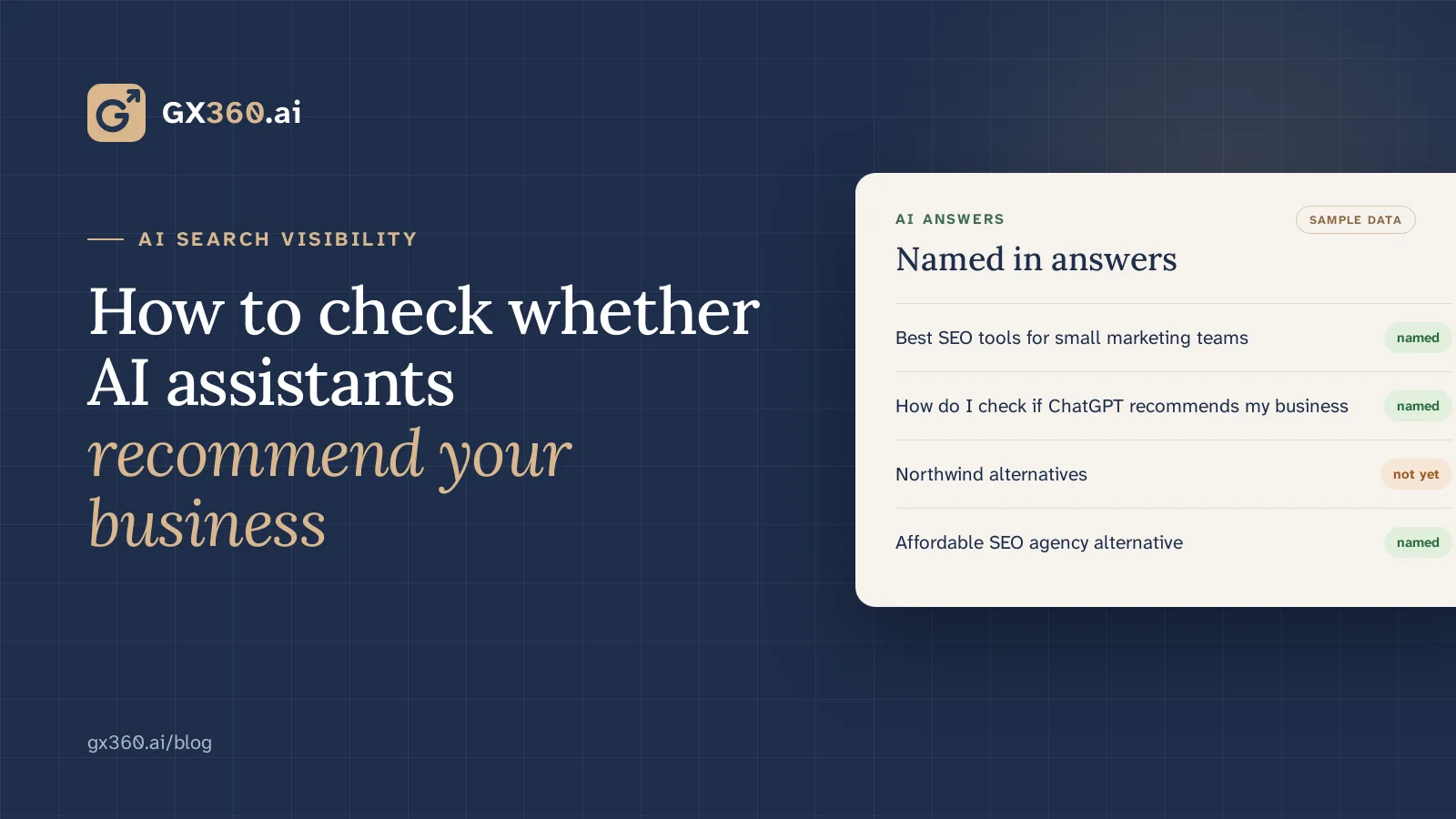
Checking which AI answers name your business, with sample data
On this page
  1. Key takeaways
  2. Build a question bank from real buyer language
  3. Ask each assistant the same way and record what you see
  4. Read the sources the answers rely on
  5. Give assistants something accurate to cite
  6. What to expect from the numbers
  7. Running the check every week without the spreadsheet
  8. See what GX360 checks

AI search visibility

To find out whether ChatGPT, Claude, Perplexity or Google's AI Overviews recommend your business, ask them the questions your buyers ask, write down who they name and which sources they show, and repeat the same questions regularly. One answer on one day tells you little. A fixed set of questions checked over time shows where you are named, where you are missing and what the answers rely on. If you are new to the idea, start with what generative engine optimisation is.

Question bank

Build a question bank from real buyer language

Start with 20 to 30 questions in the words your buyers use. Good sources are the queries in your Google Search Console Performance report, notes from sales calls, support tickets and the questions prospects send before they buy.

Cover the kinds of questions that lead to a shortlist:

"Best" questions

For your category and audience, such as "best time tracking software for small agencies".

"Alternatives to" questions

Naming the market leader or a direct competitor.

Comparisons

Between two named products.

Task questions

Where a product is part of the answer, such as "how do I track billable hours across clients".

Measurement

Ask each assistant the same way and record what you see

Assistants answer in different ways. Some answer from what they learned in training; others search the web first and show the pages they used, and many offer both modes. Note which mode you used, because the answers can differ a lot between them.

For every question and assistant, record:

  • whether your business was named, and where it appeared in any list;
  • which competitors were named;
  • which sources or links the answer showed, if any;
  • anything the answer got wrong about you, such as an old price or a feature you no longer offer;
  • the date.

A spreadsheet with one row per question, assistant and date is enough to begin with.

Sources

Read the sources the answers rely on

When an assistant shows sources, they tell you where its answer came from. In many categories those are review sites, directory listings, "best tools" roundups, comparison pages and the product sites themselves. If a roundup that leaves you out keeps appearing, or a review profile shows your old pricing, the answer will tend to repeat it.

This turns a vague goal ("be visible in AI") into specific work: correct a listing, ask a roundup's author to consider your product, or publish the page that is missing from your own site.

Pages and listings

Give assistants something accurate to cite

No assistant publishes exactly how it chooses which businesses to name, so treat the steps below as ways to make accurate information easy to find, not as a formula.

Answer the basic questions plainly on your own pages: what the product is, who it is for, what it costs and how it compares. A direct sentence near the top of a page is easier to quote than a slogan.

Use the same name and description for your business on your site, your review profiles and the directories in your category, and keep them current.

If buyers ask for alternatives to a competitor, publish a fair comparison page that explains when your product fits and when it does not.

Check that your robots.txt does not block the crawlers of the assistants you want to be read by. OpenAI documents GPTBot and OAI-SearchBot, Anthropic documents ClaudeBot and Perplexity documents PerplexityBot; check each provider's current documentation before you change anything.

Reading the trend

What to expect from the numbers

Read the share of questions where you are named as a trend over several weeks. Assistants update their models and their search behaviour, and competitors change their pages too. Measure a fixed question set, note what you changed and when, and look for movement on the questions you worked on.

Doing it with GX360

Running the check every week without the spreadsheet

GX360 keeps a question bank for your category, asks it of the AI assistants your buyers use and records who was named and which sources each answer read. It then turns the gaps into proposed fixes, such as a missing page, an outdated listing or a correction to request, and nothing is published until someone on your team approves it.

See what GX360 checks

The AI visibility tracker shows what it checks, and the plans show which assistants each one covers.

  • AI search
  • GEO
  • ChatGPT
Your first audit and prioritised fixes the same day.14 days freeNo cardCancel any timeStart free trial