
Skip to content

Finding wasted spend in Google Ads search terms: a weekly routine

A weekly routine for the search terms report: decide what counts as wasted, add negatives at the right level, check old negatives for conflicts and pause keywords with care.

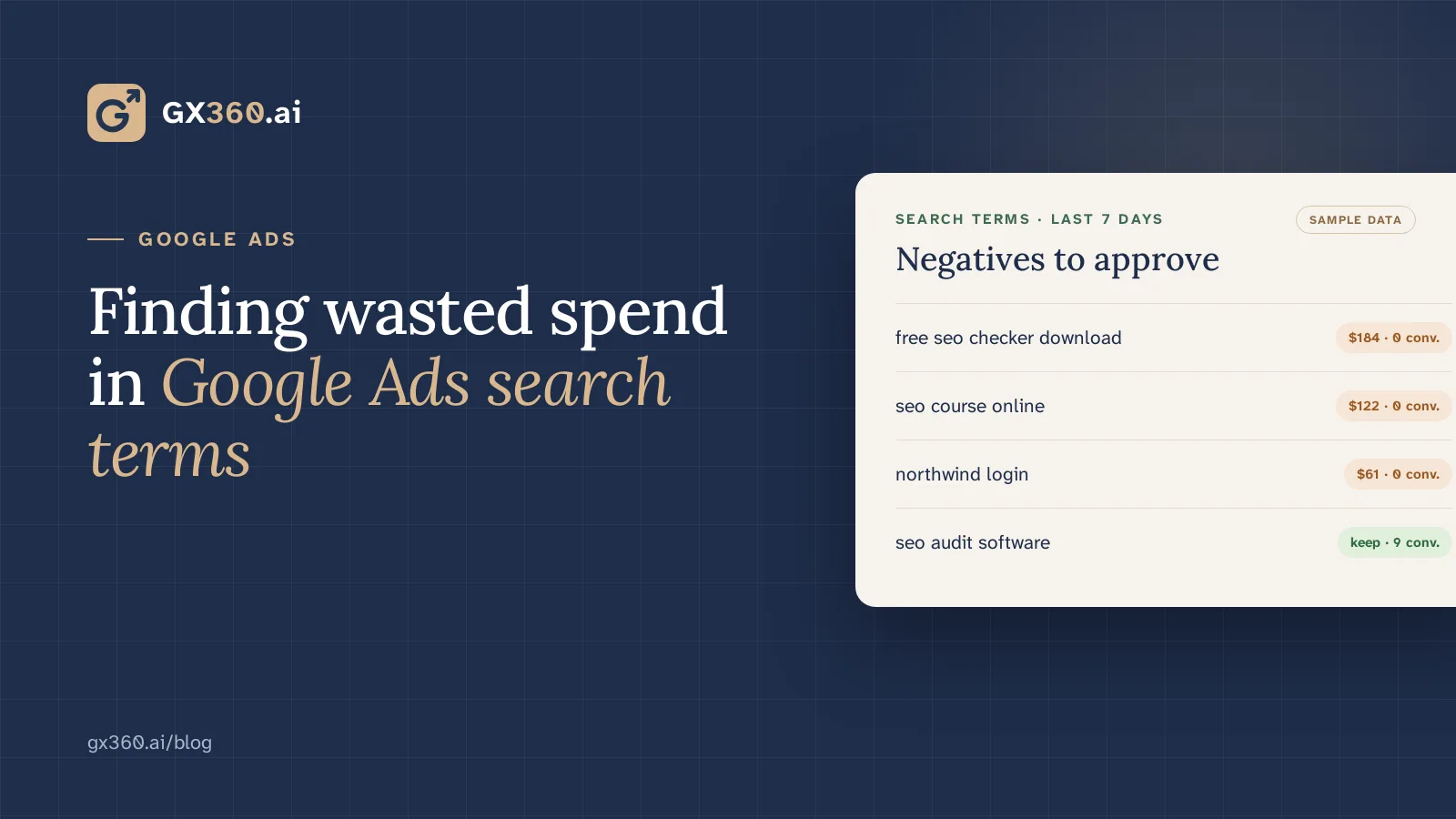
Google Ads search terms flagged as wasted spend, with sample data
On this page
  1. Read search terms, not just keywords
  2. Decide what counts as wasted before you look
  3. Add negatives at the right level and match type
  4. Check old negatives for conflicts
  5. Pause keywords that do not convert, with care
  6. Keep a change log
  7. The routine at a glance
  8. Where GX360 fits
  9. Run this review every day

Google Ads · Weekly routine

Wasted Google Ads spend often shows up first in the search terms report: the actual searches that triggered your ads, as opposed to the keywords you bid on. A short weekly routine keeps that waste from building up: review those terms, add negatives carefully, check old negatives for conflicts and pause keywords that never convert. This guide walks through each step, with the checks that stop you from blocking searches that do convert.

Reporting

Read search terms, not just keywords

A keyword is what you bid on. A search term is what someone typed.

With phrase and broad match, one keyword can trigger ads for many different searches, and some of them will have nothing to do with what you sell.

In Google Ads, open Insights and reports, then Search terms, and look at the last 30 days. Sort by cost. For each expensive term, ask whether a person typing it could become a customer. For example, a software company bidding on “time tracking” may find its ads showing for “free time tracking template” or “time tracking job”, which bring clicks from people who were never going to buy.

Thresholds

Decide what counts as wasted before you look

Set a rule in advance so the decision does not depend on the mood of the day. A common starting point is a number of clicks with no conversion over a period long enough to judge. The right numbers depend on your conversion rate. As an illustration: if one click in twenty converts on average, ten clicks without a conversion is not yet unusual, while forty starts to be.

1 in 20 Clicks converting, as an illustration
10 Clicks with no conversion — not yet unusual
40 Clicks with no conversion — starts to be unusual

Allow for conversion lag. Someone may click today and sign up next week, and the conversion is then recorded against the original click, so very recent terms can look worse than they are. Leave the last few days out of the decision.

Match types

Add negatives at the right level and match type

Negative keywords match searches differently from normal keywords:

  • A negative broad match keyword blocks searches that contain all of its words, in any order.
  • A negative phrase match keyword blocks searches that contain its words in the same order.
  • A negative exact match keyword blocks only that exact search.
  • Negatives do not match close variants, so a negative for “template” does not block “templates”. Add the variants you need.

Put each negative where it belongs. A term that is wrong for the whole account, such as “jobs” for a software product, goes in a shared negative keyword list applied to every campaign. A term that is wrong for one campaign but right for another goes on that campaign or ad group only.

Maintenance

Check old negatives for conflicts

Negatives added months ago can start blocking searches you now want.

Go through your keyword list for keywords that cannot show because a negative blocks them; Google Ads also lists conflicting negative keywords among its recommendations. Remove or narrow the negative rather than the keyword.

Keyword review

Pause keywords that do not convert, with care

Look for keywords that have spent over a long window, such as 90 days, without a conversion. Before pausing one, check two things:

  1. Whether it brings conversions you track elsewhere, such as phone calls or leads that close later.
  2. Whether its conversions are real customers: a form fill is not always a qualified lead.

If your CRM records which leads sales accepted, compare them by campaign and keyword, and consider importing those outcomes into Google Ads as offline conversions so bidding learns from them.

Measurement

Keep a change log

Write down each change: the date, what you added, removed or paused, and why. After a few weeks, compare cost per conversion and conversion rate over periods of the same length before and after. Seasonal shifts or a competitor’s bidding can move those numbers too, and without a log you cannot tell which of your changes helped.

Product

Where GX360 fits

On the Growth and Scale plans, GX360 runs this review every day. It reviews your search terms, negatives and keywords, flags terms that keep spending without converting, finds negatives that block converting searches, suggests keywords to pause and writes new search ads from the searches each ad group gets. Where your CRM is connected, it adds lead quality by campaign. Every change arrives as a change request, and nothing is applied to your account until someone on your team approves it. See the AI Google Ads agent or compare plans. Ad spend is separate from the plan price and is paid directly to Google.

Run this review every day

GX360 reviews your search terms, negatives and keywords, and every change arrives as a change request that your team approves.

  • Google Ads
  • PPC
  • Negative keywords
Your first audit and prioritised fixes the same day.14 days freeNo cardCancel any timeStart free trial